01
Pick a template
The preview is the finished look. Shots, pacing and transitions are already decided.
Three steps, no timeline. Then what you'll want to know before you start.
The preview is the finished look. Shots, pacing and transitions are already decided.
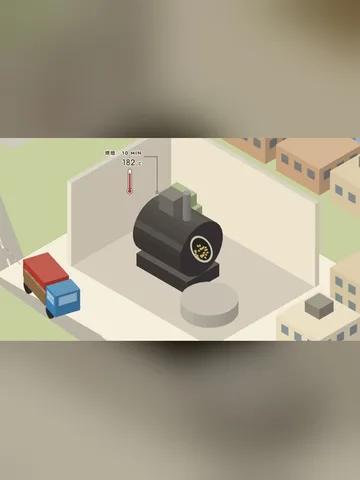
One sentence, or your own script and footage. ShotKiln writes the rest and fits it to the shot list.
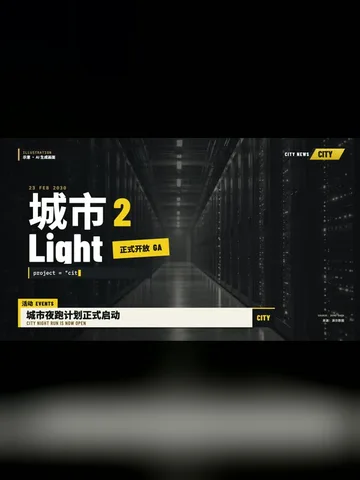
4K file, cover, caption and tags come out together. Nothing left to do but post.
No. You never see a timeline. You pick a template, type a sentence or drop footage, and the finished file comes out.
Yes. Every tier includes commercial use. Fonts and motion assets ship inside the app under licenses that allow it.
Writing takes seconds. Rendering a 60-second 1080p video on an Apple-silicon Mac is usually a few minutes; 4K takes longer.
At minimum one sentence. Better results with a product photo, a few clips or your own script. Voice-over is generated or you record your own.
Mac (Apple silicon, macOS 13+) ships today. Windows is next; leave your email on the support page and you'll hear first.
Pay on the order page, get an activation code, paste it into the app. The code is tied to one machine; swapping machines is a support ticket away.